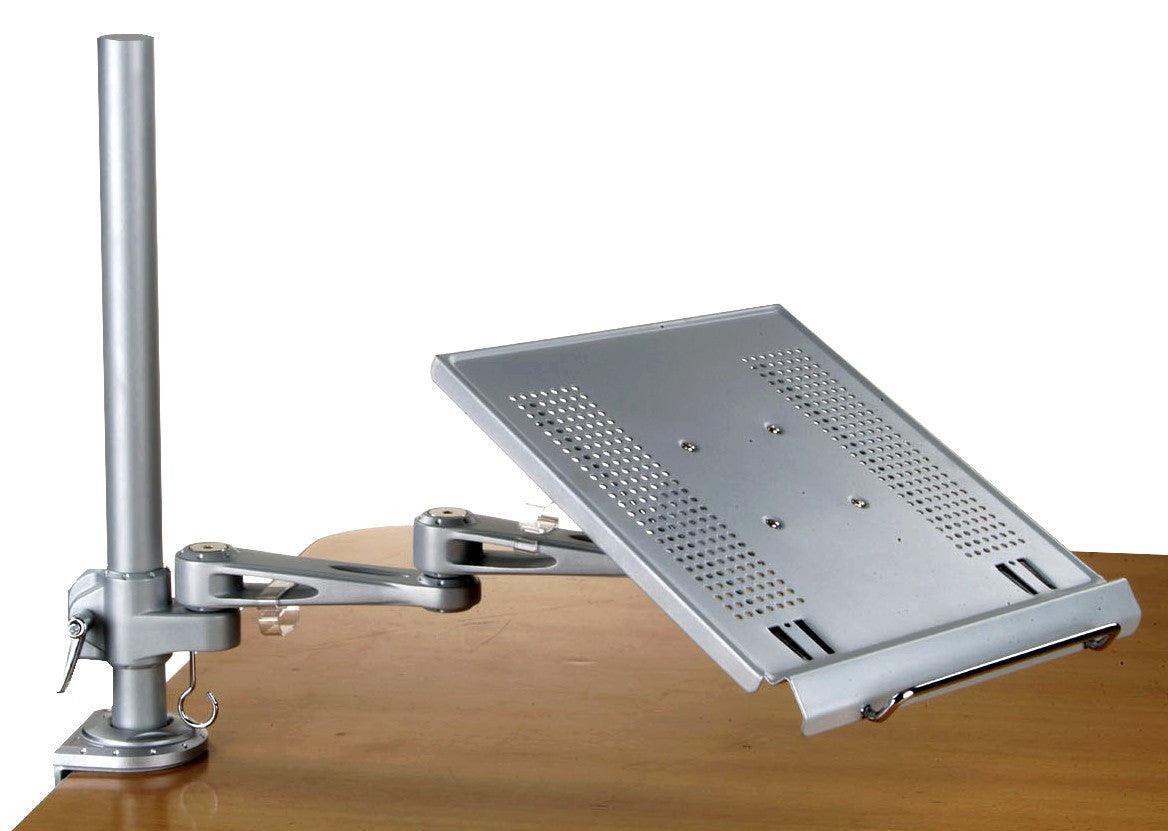
DLAC2 Laptop Desk Mount Stand Tray Arm with C Clamp
DLAC2 Laptop Desk Mount Stand Tray Arm with keyboard holder for Desk & Wall Mount - C Clamp
- Create a stand-up laptop tray in seconds.
- Height Adjustable - Sit or Stand
* Regular Price: $195.00
* Overstock Sale Price: $119.00 + $27.00 Fedex Shipping (Contiguous U.S. only)
Overstock items are final sales.
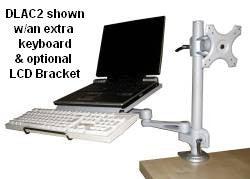
* Includes a pull-out keyboard holder

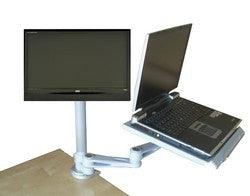
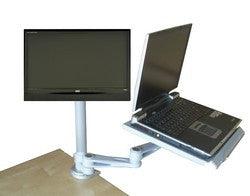
Above: shown with optional monitor mount D-LCD35 (see below)
Simply use its included C-clamp to attach this adjustable-height laptop desk stand tray to a table or desk and you can switch from sitting at your desk to standing in front of your laptop for a healthy switch in your working position. The tray tilts and can swing all around the tray. You can also bolt it onto a wall. The arm can also be removed from the desk pole and be attached to any open-ended 35 mm. pole, like our DVC04-F pole cart.
* Features:
- Height adjustable laptop arm mount can travel along the 18" high pole, allowing sit or standing operation
- Arm rotates 360 degrees around the pole
- Fully articulated
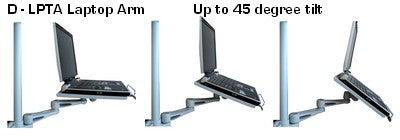
- Laptop tray tilts: from 0 - 45 degrees
- Perforated laptop tray for ventilation
- Sitting or standing position
- Add your regular keyboard
- Attach to a desk or table via C Clamp, bolt onto a wall
- Anti-slip laptop pads
Transform your table, desk or wall into a height-adjustable laptop stand workstation for sit or standing use. Save space on your desk by adding this heavy-duty clamp-on laptop + keyboard arm tray, with height, tilt, rotate and swivel adjustment. Mounts to a desk, table or a wall.

You can also add your regular keyboard on the included pull-out keyboard holder (image above).
* Options:
You can add the following items to the pole:
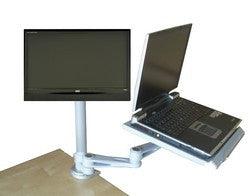
a) D-LCD35 height-adjustable monitor mount bracket (shown below and mounted, above).
Click here to Order

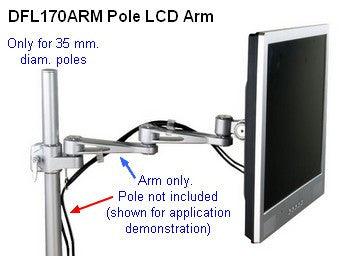
b) DFL17ARM height-adjustable monitor arm (shown below):
Click here to Order
c) DLPTA Extra Laptop Arm Tray for 35 mm. poles: just add an extra laptop arm, so 2 users can operate laptops in quite the same spot.
* Idea: if you like to work with a bigger monitor than your laptop's one and also a wider keyboard tray, you can use your laptop merely as a CPU. Then just add a regular keyboard on the keyboard holder plus an extra monitor (requires optional D-LCD35 bracket or DF17ARM arm shown above).
The heavy-duty clamp allows to also screw this laptop -keyboard arm onto a wall.
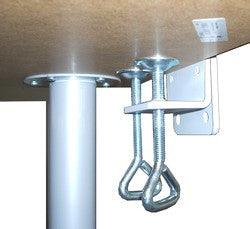
Heavy-duty dual bolt clamp: instead of using just one flimsy plastic-knob screw like of the the items in the market, this unit uses 2 all metal bolts, to better distribute the pressure on the clamp's base. Also, no possibility of broken knobs.

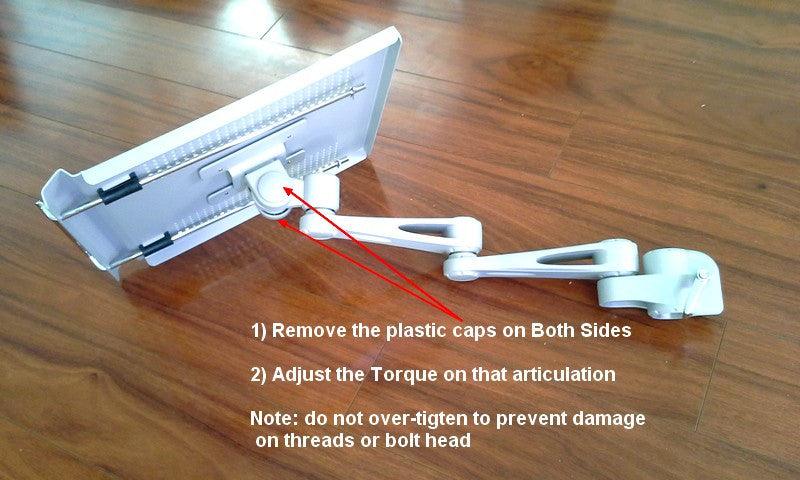
As shown below, all the articulations are torque-adjustable, so you choose how smooth the arm articulates.
When attached to a wall, you can use this arm as a height adjustable wall laptop arm. To attach to a wall, use the vertical section of the clamp only -without using the dual-bolt section shown below- and bolt it onto the vertical surface.

* Color: Silver
* Dimensions:
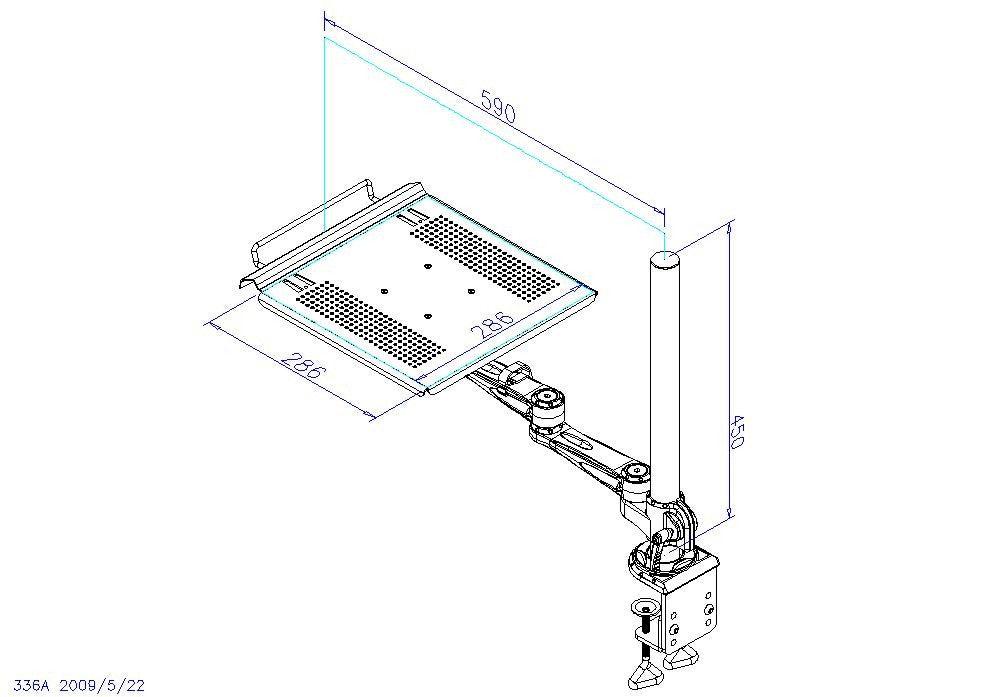
- Laptop tray: 12" W x 11.8" D
- Distance from edge of pole to front edge of tray: 22.5" (max. extension)
- Pole Diam.: 35 mm.
- Pole Height: 18"
- Ideal free edge overhang needed for desk clamp 3.5"
- Desk clamp opens to 4 1/2"
OvertureGifts.store - "Anything But Ordinary."


Choose options